A little less to remember.
A simple seizure diary for you and the people who support you. Log the time in one tap, add details when you’re ready, and bring your records to the next appointment.
Download on the App StoreFree for iPhone · iOS 17 or later · No Lavenote account needed.
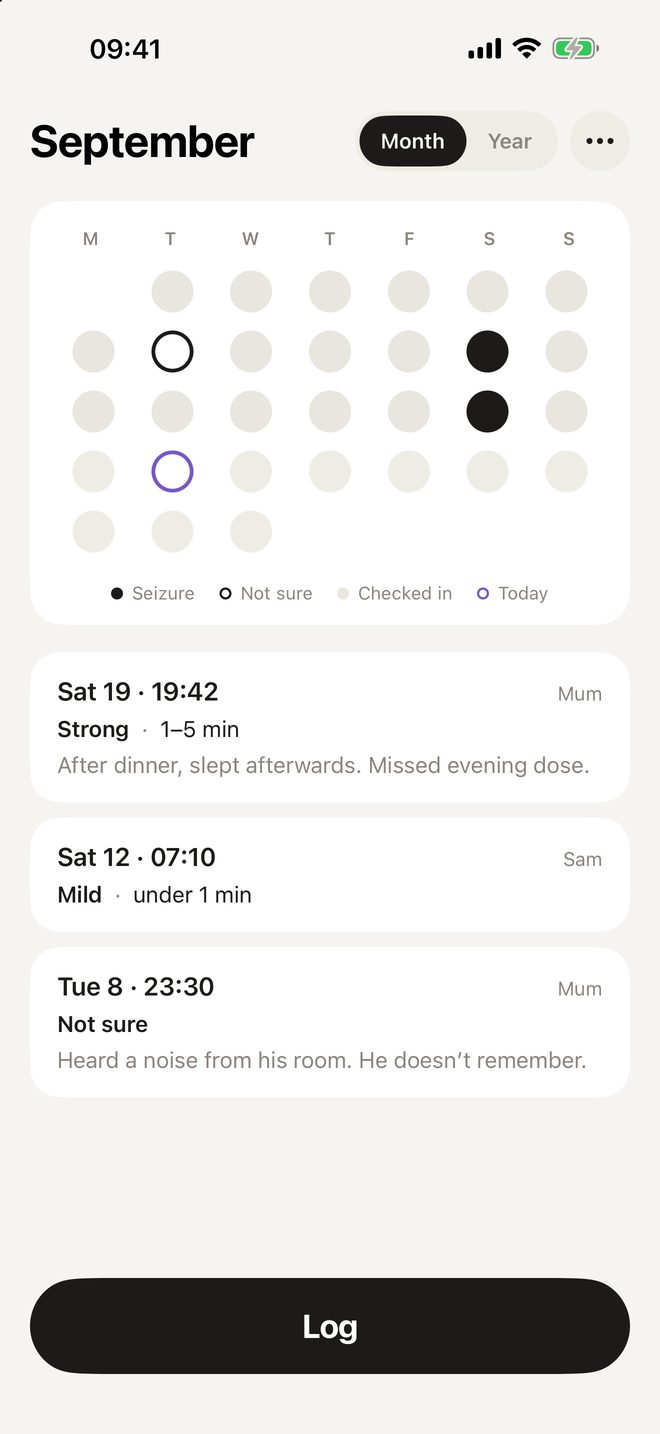
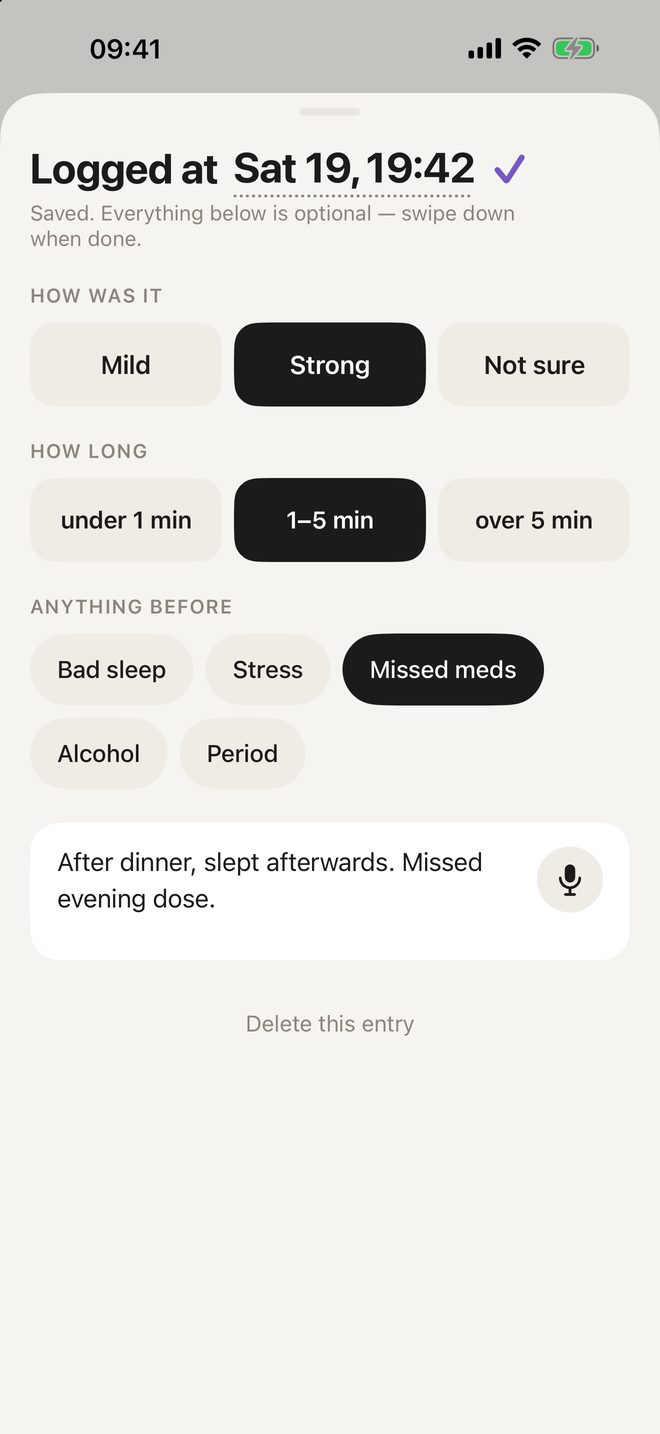
Log now.
Add the rest later.
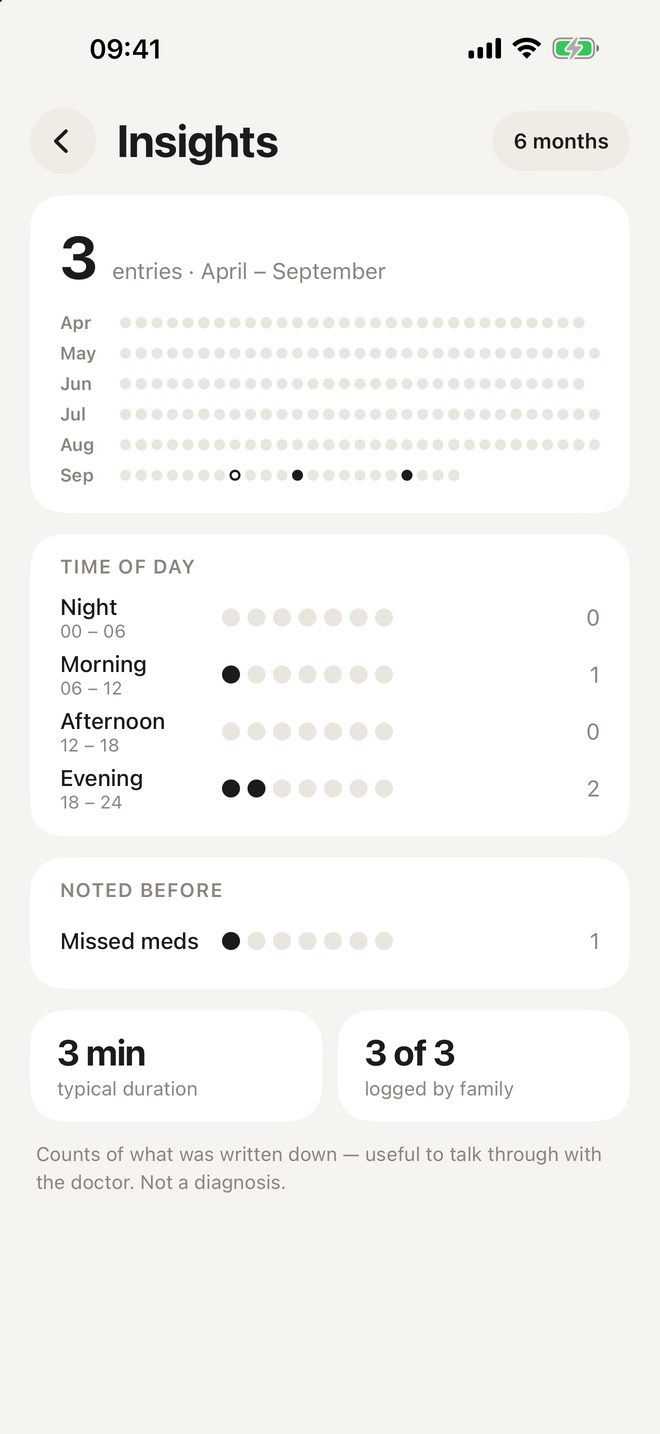
Keep a note of what happened, then look back through the records you choose to share.
Free printable seizure diary
A one-page A4 record with space for four entries, approximate times and your own observations.
Questions people ask
Is Lavenote a medical device?
No. Lavenote is a diary. It records what you write down, gives no advice and does not replace your doctor. In an emergency, call your local emergency number.
Can my family see the diary?
Yes, if you invite them. Everyone you invite sees the same diary and can add entries from their own iPhone. You choose who can add and who can only look.
Where is my data stored?
Entries stay on your iPhone. With iCloud enabled, they sync through your Apple Account. People you invite to a shared diary can access it with the permissions you choose. We do not receive your diary entries.
Does it work in my language?
Lavenote supports multiple languages and follows your iPhone’s language automatically. Check the App Store listing for the current language list.